
What “best website support” should mean for a business in Germany
The best website support in Germany is not simply the provider with the closest office or the longest feature list. For a WordPress site, the useful test is operational: can the support team prevent avoidable downtime, make controlled changes, explain what changed, and recover the site quickly when something fails?
A strong maintenance relationship normally combines updates, backups, uptime monitoring, troubleshooting, small content changes and a clear escalation path. If your site generates leads, bookings or sales, support also needs to protect those journeys after every update. That is why a low-cost “update only” package and a genuine support service are not the same product.
Five filters that narrow the shortlist quickly
Ask whether meaningful plugin, theme and core updates are checked on staging or backed by a tested rollback plan before production changes.
A backup is only useful if someone knows where it is stored, how recent it is and how long a restore usually takes.
Separate routine requests from incidents. “We reply quickly” is weaker than a documented priority and response process.
You should be able to see what was updated, fixed or changed without reconstructing the history from emails.
Support should use the minimum access needed, keep credentials controlled and avoid sharing one admin login across multiple people.
For German teams, reliable CET/CEST overlap is often more useful than a vague 24/7 promise with no named escalation route.
Compare the operating model, not only the monthly price
| Model | Works well when | Main limitation to check |
|---|---|---|
| Ad-hoc freelancer | You have occasional fixes and can tolerate variable availability. | Backup coverage, holiday cover and urgent-response capacity may depend on one person. |
| Maintenance partner | You need recurring updates, monitoring, troubleshooting and small changes. | Confirm what is included versus billed as development. |
| In-house owner | Your team already has WordPress and hosting skills. | Maintenance can become secondary to other work unless responsibilities are explicit. |
A clean handover from the previous developer or agency
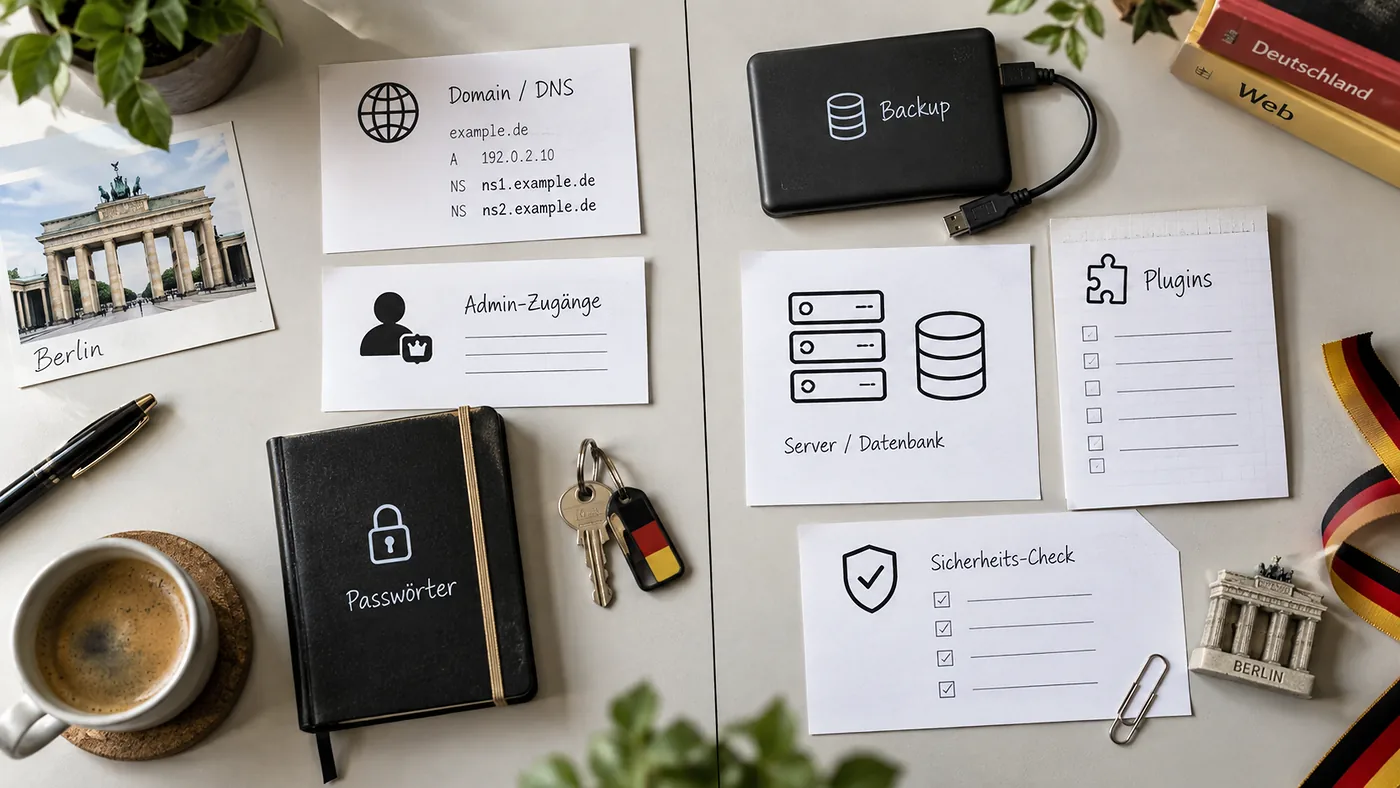
The first month of support should be more structured than the months that follow. A new provider needs a reliable baseline before making routine changes. That baseline should include hosting access, WordPress administrator access, domain and DNS ownership, active licences, backup locations, analytics access, known custom code and any integrations that can break if credentials change.
Questions worth asking before you sign
- Do you support sites you did not originally build?
- Do you test restores or only create backups?
- What happens if an update breaks checkout, forms or the page builder?
- How are emergency requests prioritised?
- Are small content edits included?
- Will I receive a record of changes?
- Can you work with my current host?
- How do I leave the service and take all access with me?
When ongoing support is more economical than repeated fixes
Reactive work looks cheaper when the site is healthy. It becomes expensive when each incident starts with a fresh diagnosis, missing credentials and no reliable restore point. Ongoing support is most valuable when the site changes regularly, has several plugins, supports paid traffic, handles ecommerce, or cannot be offline during business hours.
If you are comparing options now, review Blyfa’s website support service and the practical articles in the Website Support guides. If search visibility is also part of the problem, keep maintenance and growth work separate and review the SEO service as a second scope.
Need a support handover rather than a rebuild?
Start with the current site, document the risks and decide what needs recurring care before committing to a larger project.
Discuss website support
Short comments related to this article.