
Google AI Overviews and AI Mode are changing how people discover businesses. A page can appear in classic results and still miss the moment when a potential customer asks a longer, more specific question. The practical response is a clearer page, stronger evidence and a useful route to the next step.

What AI Overviews change for a business website
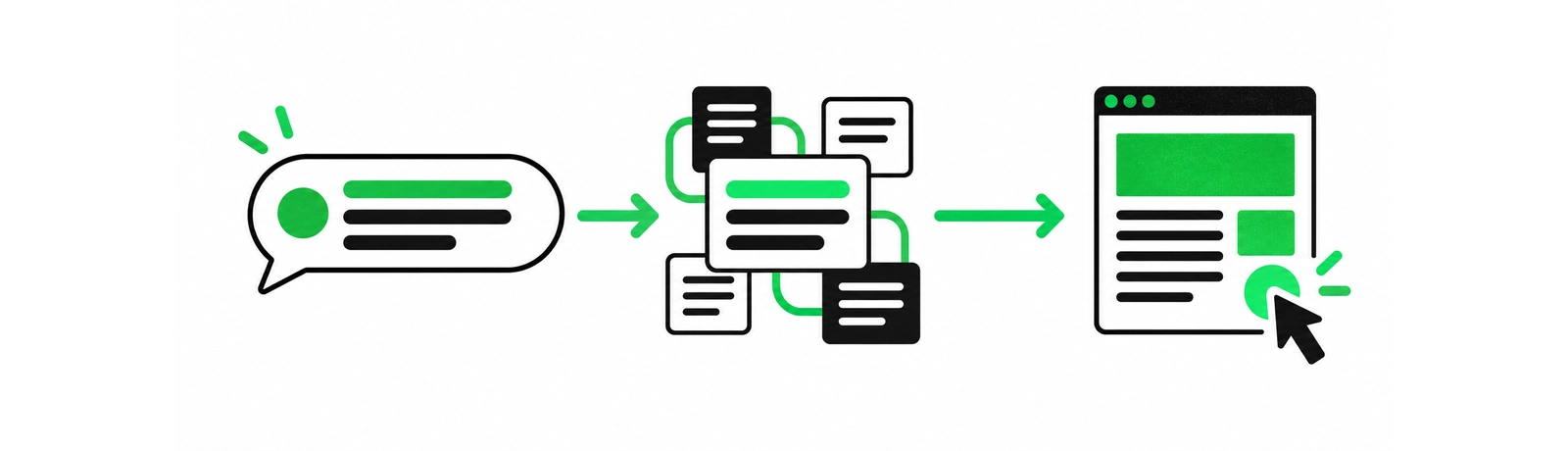
When someone asks a detailed question, Google may show a generated summary with links to pages that support the answer. AI Overviews and AI Mode can draw on several related searches, which means a page may become visible for a useful sub-question even when it does not lead the broadest phrase. The page still needs to earn the click by making the next detail easy to find.
Google's guidance for AI features keeps the advice straightforward: the same technical requirements, Search policies and people-first SEO practices apply. There is no special AI-only tag that turns an ordinary page into a cited source. A page must be indexable and eligible to appear with a snippet, and the site's Search Console property must be included in Search generative AI features. After that, the page still needs to give the visitor a reason to continue.
Check eligibility before rewriting the page
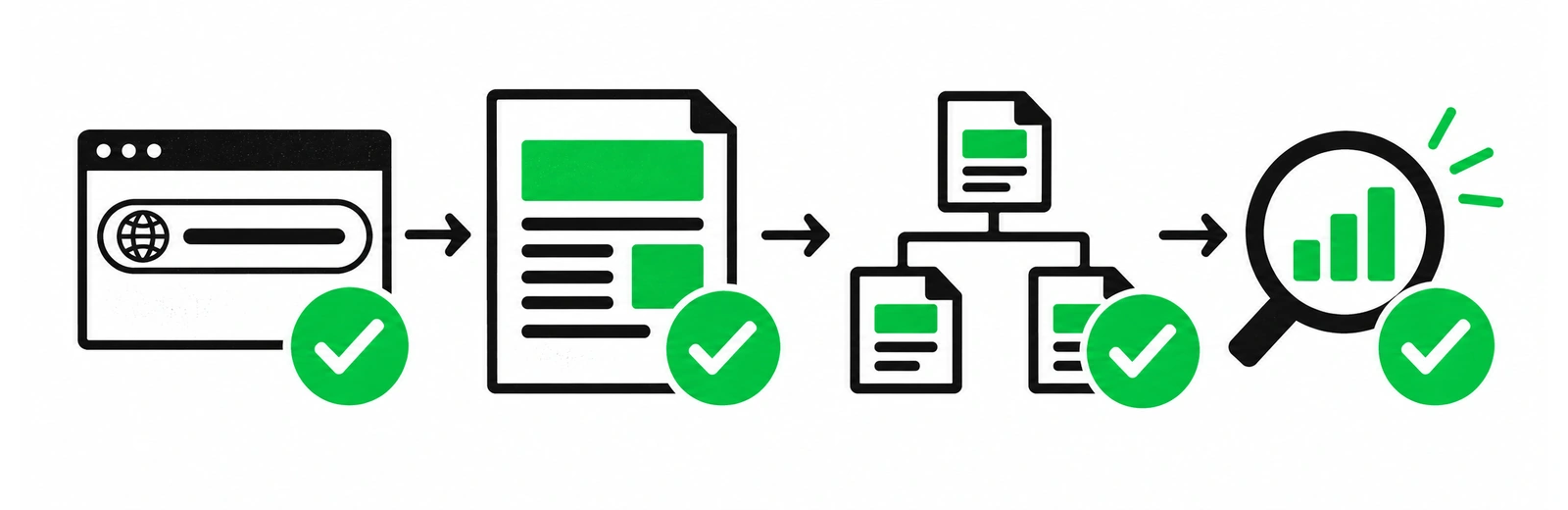
Before changing headlines or adding a new article, confirm that Google can use the page. A strong draft cannot compensate for a blocked URL, a conflicting canonical or a page that renders its main answer only after an interaction.
- Indexing: the preferred URL returns a successful response, is allowed to be crawled and does not carry an accidental
noindexdirective. - Canonical: the canonical points to the version you want people and search engines to treat as the source.
- Visible text: the main answer, supporting details and important links are available in the page content that Google can render.
- Snippet eligibility: preview controls such as
nosnippet,data-nosnippetor a very shortmax-snippetvalue match the business decision behind them. - Generative AI control: the property is included in Search generative AI features in Search Console. Check this setting before treating missing AI visibility as a content problem.
- Discovery: a relevant page on your site links to the URL. Your sitemap can help discovery, but it does not replace a useful internal path.
The checklist in Blyfa's guide to “Crawled - currently not indexed” is a useful companion when a page receives visits from Googlebot but stays out of the index. Resolve that layer first, then judge the writing on its own merits.
Write for the question behind the query
AI summaries handle familiar explanations quickly. A page becomes more valuable when it contains the details a summary cannot safely compress: a decision rule, a constraint, a worked example, a local context or evidence from real work.
- Answer the immediate question early. Use the opening paragraph to state the conclusion in plain language. Leave the background for the section where it helps the reader decide.
- Add the conditions around the answer. Explain when the advice applies, when it needs a different approach and what information the reader should collect before acting.
- Show the work. A short checklist, a before-and-after example or a set of verification steps gives the page something concrete to cite.
- Give the reader a sensible next move. The next move may be a related guide, a service page, a tool or a review of one URL. It should follow the problem described on the page.
Give each page one clear job
Suppose a visitor searches for a WordPress support partner after a redesign. A useful service page can explain the handover, access, backup checks, update boundaries and what happens when a release causes a problem. A separate article can cover the update workflow in detail. Each page answers a different decision, and the links between them help the visitor choose where to continue.
Blyfa's internal linking guide describes the hub, service and supporting-article structure. Use it to connect this article's search topic to the SEO service only where the reader would reasonably need that context.
Use structured data as a clear label
Structured data helps Google understand what a page represents. It does not replace the page itself. Keep the markup aligned with what a visitor can see: an Article can describe an article, Breadcrumb can describe its position in the site, and Organization can identify the business behind the site. The properties you add should be accurate, maintained and consistent with the visible content.
Google's structured data documentation lists supported features and their requirements. There is no need to invent an “AI schema,” add an llms.txt file for Google Search or hide a second version of the article for machines. Google's generative AI SEO guide recommends the same readable, maintainable approach. Put the important answer in visible text, then use markup to clarify its meaning.
Measure visibility without chasing one number
Search Console now gives site owners a better way to inspect generative AI visibility. Google's June 2026 announcement says the dedicated Search Generative AI performance reports reached all websites worldwide on August 31, 2026. Use the Generative AI performance report to review impressions, pages, countries, devices and dates. AI Overview and AI Mode activity also remains part of the overall Performance report under the Web search type.
Start with a page and a question, rather than a site-wide average. Compare the page's impressions and clicks with conversions, qualified enquiries or the action the page is meant to support. If visibility rises but the visitor leaves without finding the next detail, the page still needs work. If clicks are fewer but the visits are more relevant, the change may be useful.

A practical 30-day workflow
A small, focused review gives you cleaner evidence than a site-wide rewrite. This sequence works well for a service page, a product category or an article that already receives some search impressions.
- Choose one URL. Pick a page with a clear business role and enough impressions to establish a baseline.
- Record the starting point. Save the main queries, impressions, clicks, conversions and the pages that currently link to it.
- Fix access issues. Check the response, canonical, indexing directives, rendered text and important links.
- Improve the answer. Rewrite the opening, add the missing conditions or example, and remove sections that repeat another page.
- Connect the next step. Add a small number of descriptive internal links to the closest supporting guide or service page.
- Review after the page has had time to settle. Compare the same URL and query groups in Search Console, then check whether the visitors take the action the page was written to support.
Mistakes that make AI visibility harder
- Publishing many near-identical pages because a tool can produce them quickly.
- Hiding the answer inside a widget, tab or client-rendered block that the page does not expose clearly.
- Adding repeated exact-match anchors that interrupt the reader's path.
- Blocking snippets or indexing before deciding what information the business is comfortable sharing.
- Changing ten important pages during a live Google rollout and then losing the ability to see which change mattered.
If a visibility drop coincides with Google's September 2026 spam update, use Blyfa's update review guide to separate a temporary rollout movement from a page-quality or technical problem. A measured audit is more useful than a quick batch of rewrites.
Give the page a reason to be cited
A durable AI search strategy is built one useful URL at a time. Make the page accessible, answer the real question, include details that survive a short summary and connect the visitor to the next decision. Then measure what changed and keep a record that another person can understand.

Short comments related to this article.