
Choosing website support in Austria without buying the wrong type of service
For Austrian SMEs, “website support” can describe three very different things: routine WordPress maintenance, hands-on content help, or ongoing development. The best provider is the one whose scope matches the work your site actually creates each month.
Maintenance keeps the site dependable
Updates, backups, monitoring, security checks and technical housekeeping belong here. This work reduces the chance that ordinary software changes become urgent incidents.
Support handles operational requests
Broken forms, layout issues, content changes, tracking problems and small fixes require a person who can investigate rather than simply run updates.
Development is a separate lane
New booking flows, custom WooCommerce logic, complex integrations and large redesign work should be estimated as projects or planned development time. A good support agreement makes that boundary obvious.
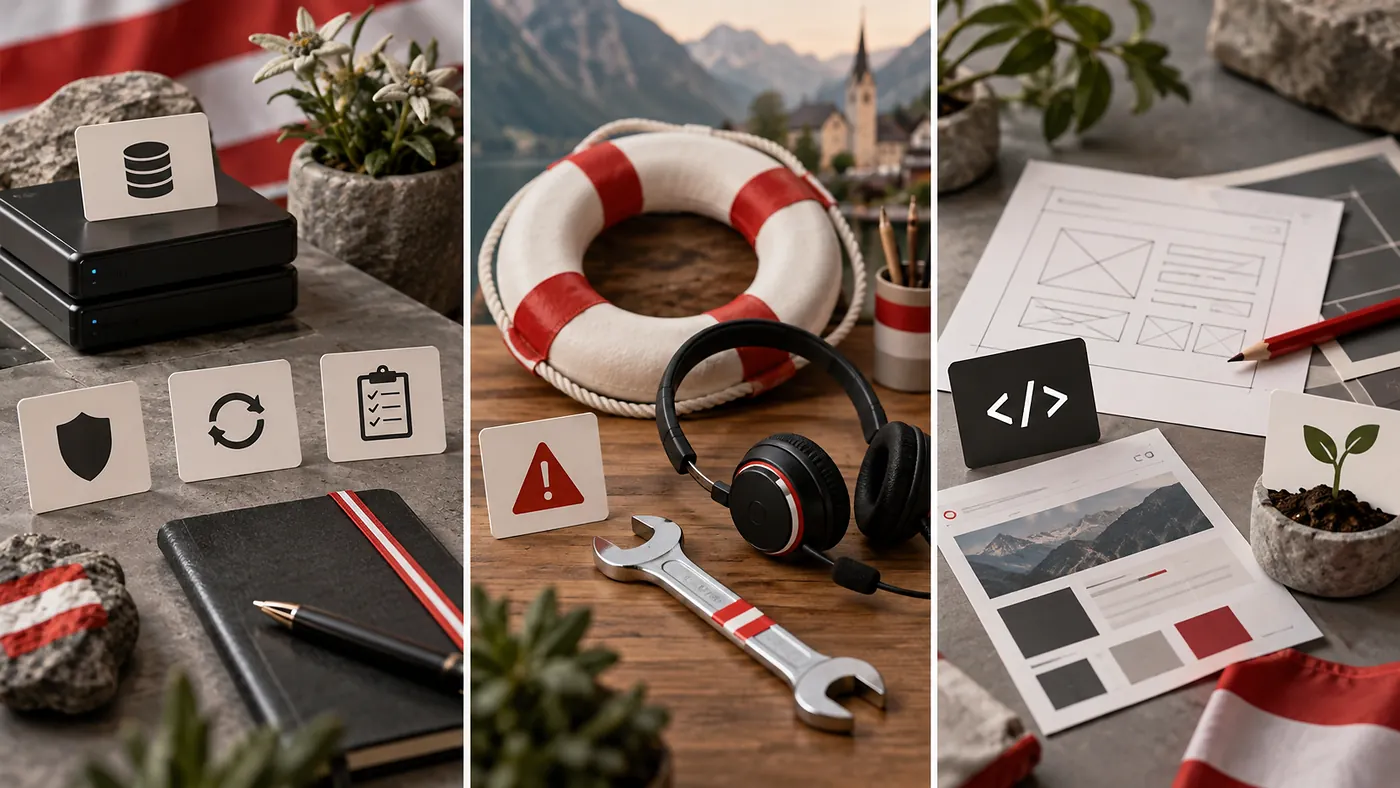
What a reliable Austrian maintenance package should make visible
Packages are easier to compare when you ignore marketing names and look for operating details. The useful questions are not “How many features are included?” but “What happens before an update, after a failed update and when an urgent request arrives?”
- Backup frequency and storage location
- Restore testing or recovery procedure
- WordPress, theme and plugin update process
- Staging availability for risky changes
- Uptime or error monitoring
- Support channel and normal response window
- Included content or development time
- Monthly or task-level change history
Response time should match the business impact
| Issue | Typical priority | What the agreement should clarify |
|---|---|---|
| Site unavailable | Critical | How the incident is reported, who is alerted and when investigation starts. |
| Checkout or lead form broken | High | Whether revenue or lead-generation failures receive priority over ordinary tickets. |
| Layout issue on one page | Normal | Expected queue time and whether the fix is included in support hours. |
| New feature request | Planned | Whether it is estimated separately or drawn from a development retainer. |
Taking over an existing WordPress site in Vienna, Graz or elsewhere in Austria
Changing support providers should not require a redesign. A competent takeover can leave the hosting, domain and visual site in place while ownership and maintenance responsibilities are cleaned up. The transition is safer when access is transferred deliberately instead of forwarding a bundle of old passwords.
Local communication can help, but process matters more
German-language communication may be important for some Austrian teams, while others work comfortably in English. Either can work. The bigger operational questions are whether the provider overlaps with your working hours, can explain technical decisions in plain language, and keeps enough documentation that another person can take over later.
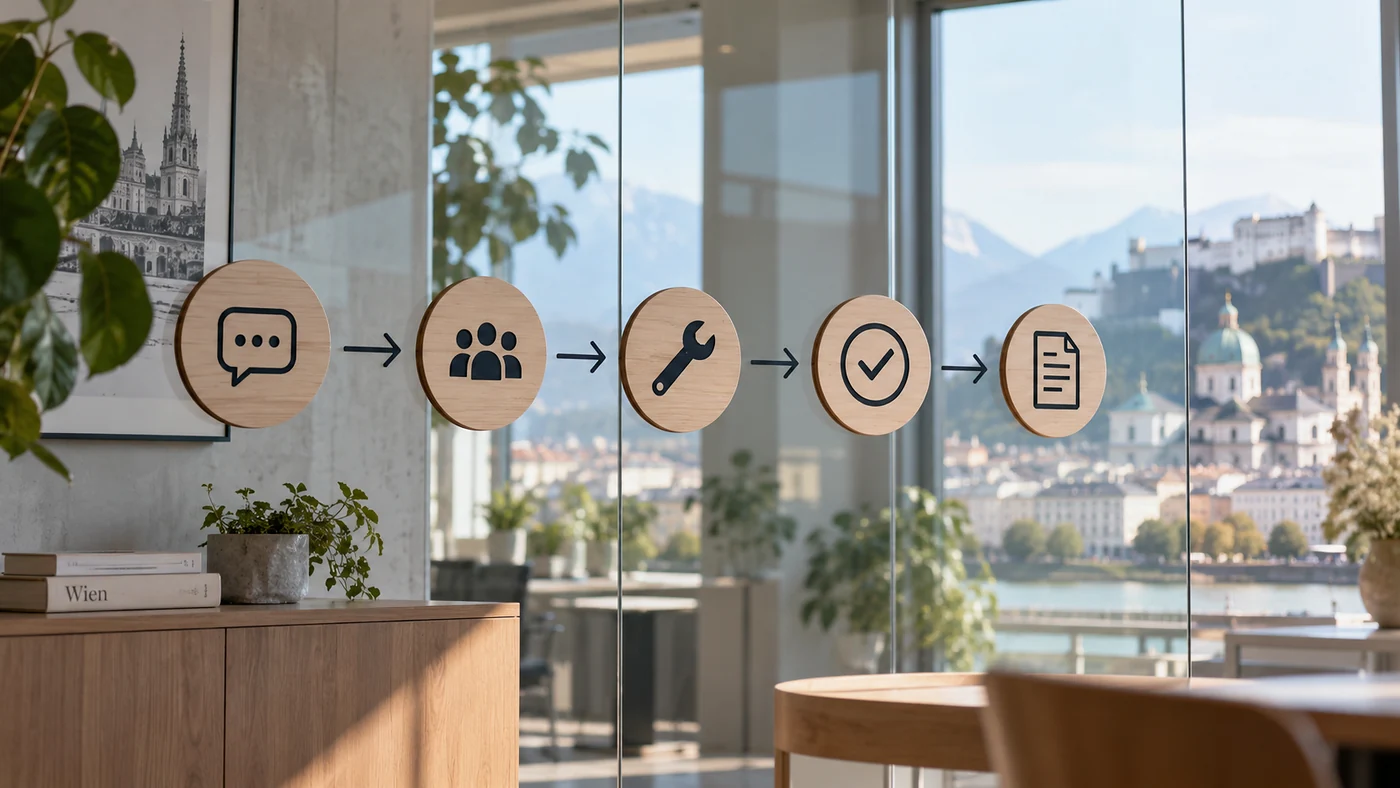
A simple way to shortlist providers
Give each provider the same real scenario: “A plugin update breaks the contact form at 10:00 on a weekday. What happens next?” The answer reveals more than a generic package page. Listen for backup verification, isolation of the cause, rollback options, testing, communication and documentation.
For a broader view of recurring maintenance, visit Blyfa’s website support service and the Website Support category. If the site itself needs a larger structural change, compare that with web design rather than forcing redesign work into a maintenance package.
Start with a technical baseline
A short takeover review can identify whether you need routine care, urgent stabilisation or a separate development project.
Talk about your WordPress site
Short comments related to this article.